Deposit
From release 20260825 the Deposit tab is no longer shown in the 3d dock by default. It is replaced by the Process tab. Open Deposit only from that tab: the link switch to old user interface at the bottom of Process. A matching switch to new user interface link on this tab returns to Process.
In the deposition mode shapes are added to the 3d design in a surface based model. For any location of the design a surface height is defined. Depositions are made on top of the surface. These features are available to create 3d shapes:
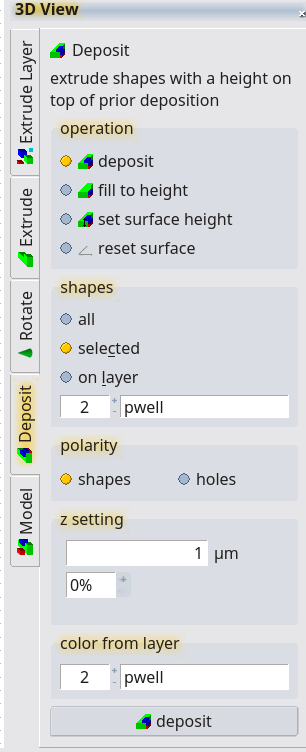
Deposite
Add a 3d shape with a contant thickness on top of the existing surface. An edge cover can be set as a percentage.
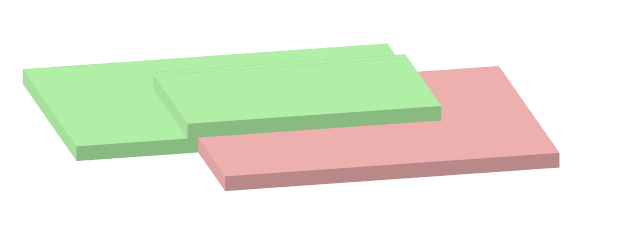
Fill to Height
Fill to height is similar to the deposit feature; the layer does not have a constant thickness but everything below the entered height is filled.
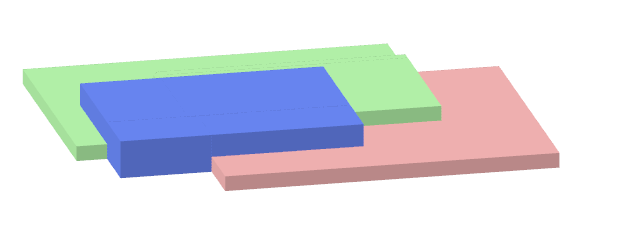
Set Surface Height
Similar to Fill to height but no shape is added to the 3d editor, only the surface data is adjusted. Using this tool, structures like air bridges and other object in the air can be created.
Reset Surface
This tool will reset the surface model to zero.
© 2026 juspertor GmbH