NGspice
Ngspice is a mixed-level/mixed-signal circuit simulator. LayoutEditor ships it as the Qt plugin pluginNgspice (same release, same installer). The simulator is compiled into that plugin; there is no extra libngspice file. Spice3f5 and the shared library API are Modified BSD; numparam inside the plugin is LGPL. CIDER is not included. There is no separate ngspice install and no PATH fallback.
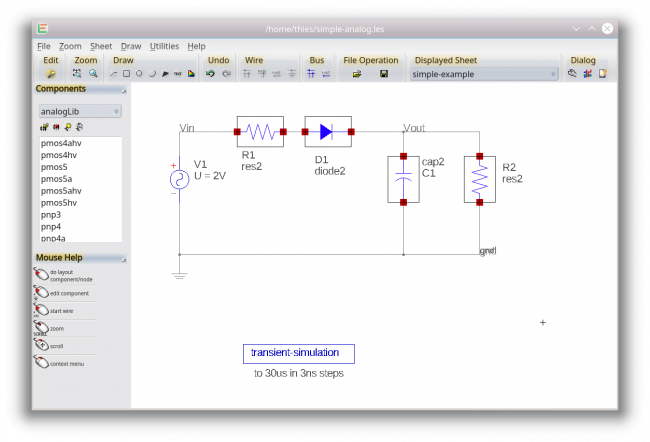
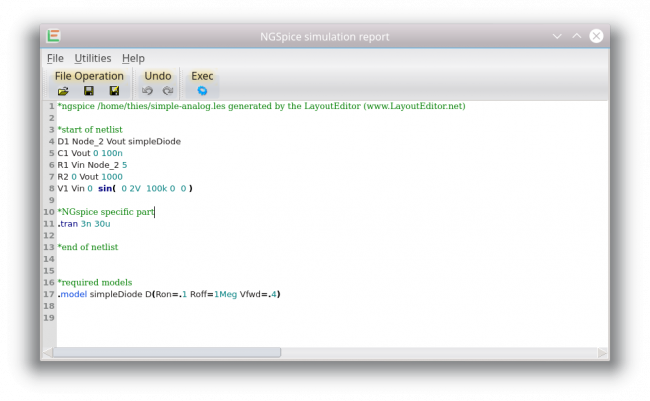
In the Schematic Editor and the Text Editor use Utilities → NGSpice:
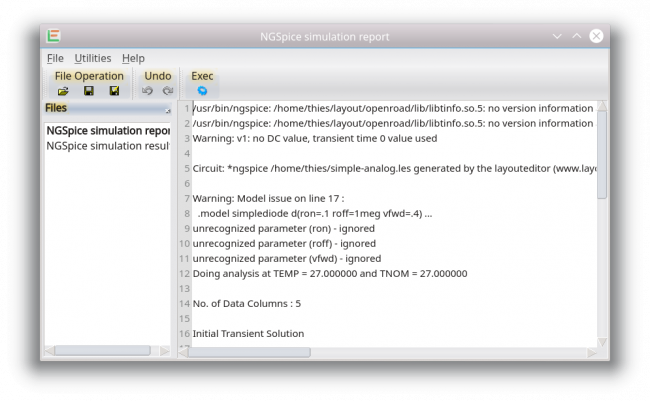
- Simulate — run the in-process simulator (schematic: generate an ngspice netlist; text editor: the current document). The status bar shows
NGSpice: simulating…and the wait cursor whilerun()blocks. Schematic: enter Probe mode (click a net to open the PlotViewer). Text editor: open the PlotViewer with all traces immediately (there is no schematic to click). - Simulate + Waveform Viewer — same run, then open the PlotViewer with all traces.
- Stop Simulation — halt a running background run (menus stay responsive because the wait loop processes events).
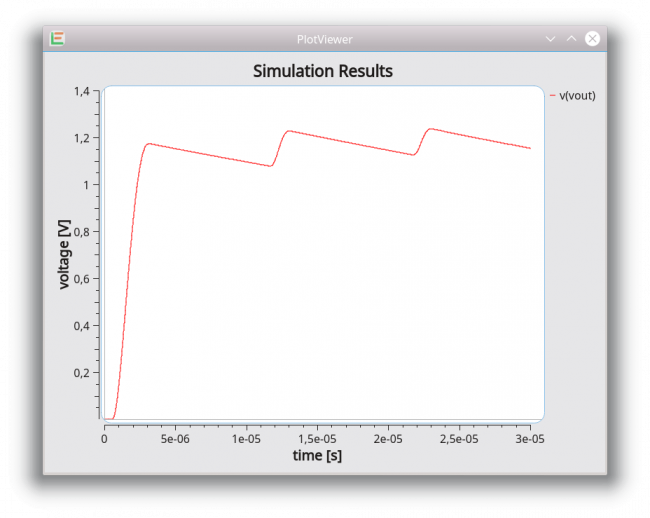
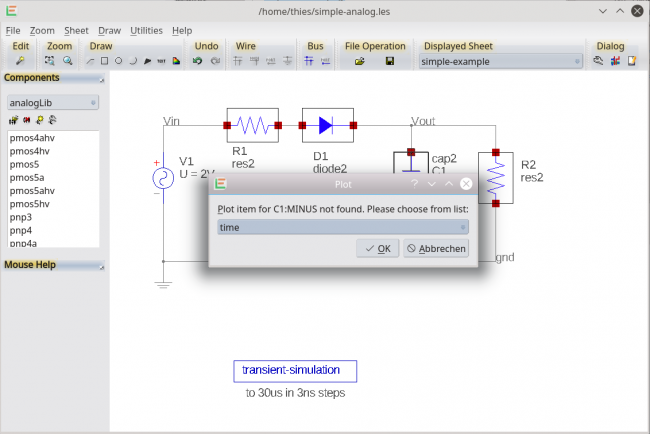
- Probe (Schematic Editor) — click a net to plot it in the PlotViewer (Qwt). Shift-click chooses a signal if the name does not match.
- View Netlist (Schematic Editor) — open the spice netlist in the TextEditor (spice lexer).
Macros can use the ngspice class (loadCircuit / run / results) instead of spawning an external ngspice process. Waveforms come from ngspice::results() into plotData; the PlotViewer overlays traces, supports log/lin axes, grid, legend, range, PNG/CSV export, and a measurement picker.
© 2026 juspertor GmbH